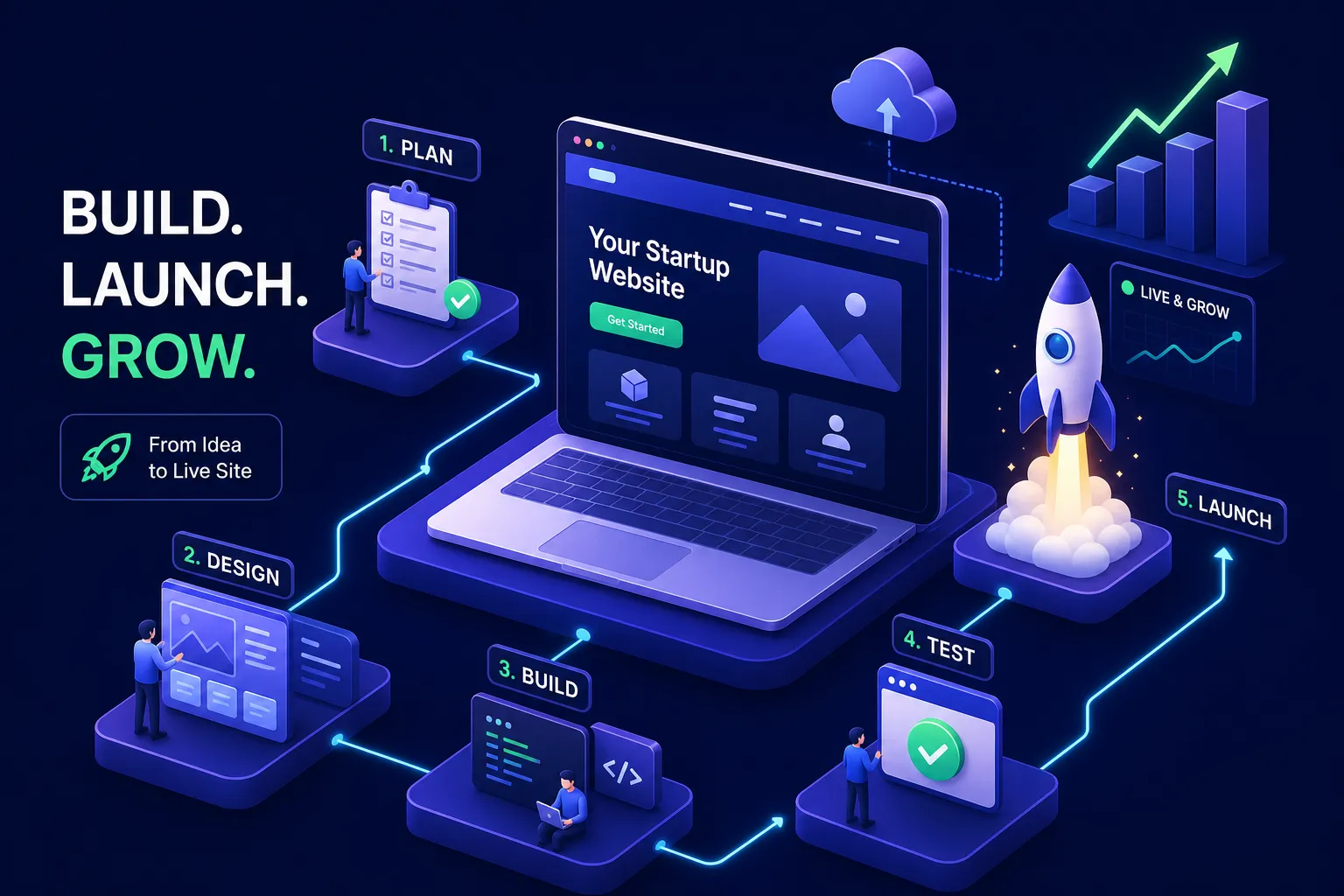

If you need to build a website for your startup, the first mistake most founders make is spending two weeks debating platforms before they’ve written a single sentence of copy. They research Webflow versus Squarespace, watch YouTube comparisons, join Reddit threads, and treat the platform choice as the critical decision. It isn’t. The platform is a tool. The decisions that actually determine whether a site converts are strategic: who it’s for, what it needs to say, and what one thing a visitor should do when they arrive.
At Exult Creative, we work with founders who’ve already built a site on the wrong platform, for the wrong audience, with copy that explains features instead of solving problems. They come to us after the fact, frustrated that a site they spent real time and money on isn’t doing its job. This guide exists so you don’t have to make that trip. Walk through these six decisions in order, and you’ll launch something that works on day one rather than rebuilding it at month six. You don’t need a technical background to make good calls here; you need clarity about what you’re building and for whom.
Get clear on what your site needs to do before you pick a tool
The question “Which platform should I use?” only makes sense after you can answer a simpler one: “What does this site need to accomplish?” Skipping that order is how founders end up with a beautiful site that converts nobody. The platform follows the purpose. Never the other way around.
Who is this site actually for?
Work through a quick audience definition before you open any builder. Who arrives on this page, what do they already believe about their problem, and what do they need to feel confident enough to take the next step? A site built to attract seed investors reads completely differently from one built to capture beta signups or convert early customers. The headline, the proof, the CTA, even the visual tone, all shift based on that answer.
What is the one action you want visitors to take?
Multiple competing calls to action typically reduce conversion clarity and performance; pick one: email signup, demo request, or direct purchase. Everything else is secondary or removed entirely. In our experience working with early-stage founders, the single most common conversion killer is a weak or absent CTA path. Clarity about one action makes every other decision downstream easier.
How this clarity shapes everything that follows
Your goal defines your platform requirements, your copy structure, your design priorities, and your analytics setup. If you can’t answer who this site is for and what it should make them do, no platform choice will save you. Start here, even if it takes an extra day. It’s the cheapest problem to solve before you start building.
How to build a website for your startup: choosing the right platform
The platform question isn’t “Which is best?” It’s “Which fits my stage?” There is no universally right answer, and the founders who struggle most are the ones who optimize for future scale before they’ve validated anything at all.
No-code builders for a fast, affordable launch
Wix and Squarespace are genuinely good tools for founders who need a live site within days without touching code. Wix’s Light plan runs $17/month (billed annually), and the Core plan at $29/month adds ecommerce. Squarespace follows a similar tier structure with polished startup landing page templates and a reliable setup experience. The honest limitation: template switching is painful on both platforms, and performance can degrade as you add integrations. These tools are best for simple brochure sites, pre-seed landing pages, and early social proof.
Design-first platforms for brand-forward startups
Webflow gives founders or their designers full layout control with clean, exportable code. It’s a strong option for SaaS landing pages and investor-facing sites where visual quality matters and generic templates won’t cut it. The learning curve is real, and its output typically scales better than that of many drag-and-drop builders due to cleaner code and export options. Framer is also worth a look for founders who want polished, no-code deploys with faster iteration cycles than Webflow allows.
When custom development makes more sense
WordPress hosted on a reliable provider is a strong choice for content-heavy or SEO-driven startups that plan to publish regularly and want long-term flexibility. Custom builds make sense when your site needs app-like functionality, integrations, or a structure no template can accommodate. A professionally built WordPress setup typically runs $2,000 or more upfront. You own your code and content, though you’ll still rely on hosting, plugins, and third-party services, worth factoring into your planning. For most pre-seed startups, that level of investment can wait until you’ve validated demand.
MVP website for your startup: what it actually needs
Once you’ve chosen a platform, the next priority is building the right feature set. An MVP site is not a skeleton site. It needs to do a few specific things well: capture leads, establish trust, and give you data to improve on. The mistake is treating “minimal” as an excuse to skip the elements that actually matter.
Lead capture and your primary conversion element
One form, one CTA. For most early-stage startups, name and email is enough. Tally and Typeform both handle this cleanly without requiring developer setup. Connect your form to Mailchimp or ConvertKit for email management, and use Zapier to route new signups into a CRM if you’re tracking prospects. Keep the form short and the CTA specific. “Join the waitlist” is typically more specific and clearer to visitors than “Sign up”, it tells them exactly what they’re getting. For benchmark context on what to expect, see average landing page conversion rates.
Analytics and basic SEO from the first day
Install Google Analytics 4 or Plausible before launch, not after. Set up Google Search Console so you can monitor indexing from day one. On-page SEO basics are non-negotiable: a clear title tag, a meta description, and a headline that states your value proposition in plain language. These take an hour to get right, and they compound over time. Skipping them doesn’t save you time. It just means you’ll fix them later when there’s more at stake.
Legal pages you cannot skip
A Privacy Policy, Terms of Service, and a Cookie Notice if you’re tracking visitor behaviour. Under CCPA, if you’re collecting email addresses from California residents, that data may qualify as regulated personal information requiring disclosure at the point of collection. Most early-stage startups won’t meet the revenue or data-volume thresholds, but adding a compliant Privacy Policy is still a smart trust signal regardless. Tools like TermsFeed or iubenda generate compliant pages quickly. Skipping these signals amateur, especially to investors who use your site as an initial quality check before agreeing to a first meeting.
Realistic costs and timelines to plan around
Many founders underestimate time and overestimate what they need on day one. Here’s what the numbers actually look like so you can plan without surprises.
What you’re actually trading when you go DIY
A DIY no-code site can be live in one to seven days for $120, $1,500 in the first year. The dollar cost is low. But your time isn’t free. A template-based build takes significant founder hours to configure, write, and refine, and those are hours not spent on product, customers, or fundraising. If your time is better deployed elsewhere, the math on a DIY build changes quickly.
First-year costs by approach
- DIY site builder: $120, $1,500/year
- WordPress with basic setup: $300, $3,000/year
- Professionally designed and built: $2,000, $10,000+
The professionally built option often includes brand strategy, copywriting framing, and a launch-ready conversion setup. Those aren’t extras. They’re the elements that determine whether the site actually performs. A cheap template paired with weak copy will often underperform a well-built professional site on the metrics that matter most: traffic, engagement, and conversions.
The mistakes that cost you when you scale
Starting on an easy builder is a reasonable decision. Assuming you can migrate off it painlessly later is where founders get hurt. These problems are predictable, and a few small choices upfront can prevent expensive fixes down the road.
Vendor lock-in is real and worth thinking about early
Proprietary templates, content structures, and URL formats can make migration to a custom site slow and expensive. The practical protection: choose a builder with exportable content, avoid proprietary URL structures where possible, and document your site architecture before you have 200 pages and a five-year-old redirect map. Planning for this upfront significantly reduces the likelihood of a migration crisis when the time comes to move.
What happens to your SEO when you change platforms
Common site migration issues like broken redirects, lost metadata, unmapped internal links, and missing schema markup are the most common causes of ranking drops after a migration. The prevention isn’t complicated, but it requires treating SEO fields and content structure as first-class migration assets, not afterthoughts. Keep a complete 301 redirect map, test on a staging environment before going live, and involve someone who understands technical SEO in the process before you flip the switch.
When to stop building it yourself and bring in the right team
DIY works until it doesn’t. There’s a real inflection point where a founder’s time and a generic template can no longer carry what the site needs to do: convert investors, onboard customers at scale, or compete in a market where trust and design quality actually matter.
Signs your site needs a strategic rethink
Some signals are worth pausing for individually. Together, they’re a clear mandate to act. Your bounce rate is high, and you don’t know why. Your brand identity no longer reflects what your product actually does. You’ve outgrown your template, and customization has become a weekend project. You’re approaching a funding round and your site still looks like a side project. Any one of these is a reason to reassess; all of them together is a reason to make a call.
What end-to-end agency support actually looks like
For founders who need brand strategy, UX design, and a fully functional site delivered as a cohesive whole, working with a team like Exult Creative means the visual identity, user experience, and code all serve the same business objective, built by one team under one strategy, not three disconnected vendors patching things together. The process runs from positioning and messaging through design and development to a launch-ready product. No handoff friction, no “that’s not our department.”
The platform was never the hard part
Every decision in this guide comes back to the same starting point: know what your site needs to do, for whom, and build exactly that. When you need to build a website for your startup, start with audience clarity, choose the platform that fits your current stage, build the MVP feature set rather than the full wishlist, and plan honestly for the costs and migration risks that come later.
If you’re at the point where you need a site that works as hard as your product does, we’d rather help you build it right the first time than rebuild it six months from now. That conversation starts at Exult Creative.
The best startup website isn’t the most impressive one. It’s the one that does its one job well. Everything else is just overhead.