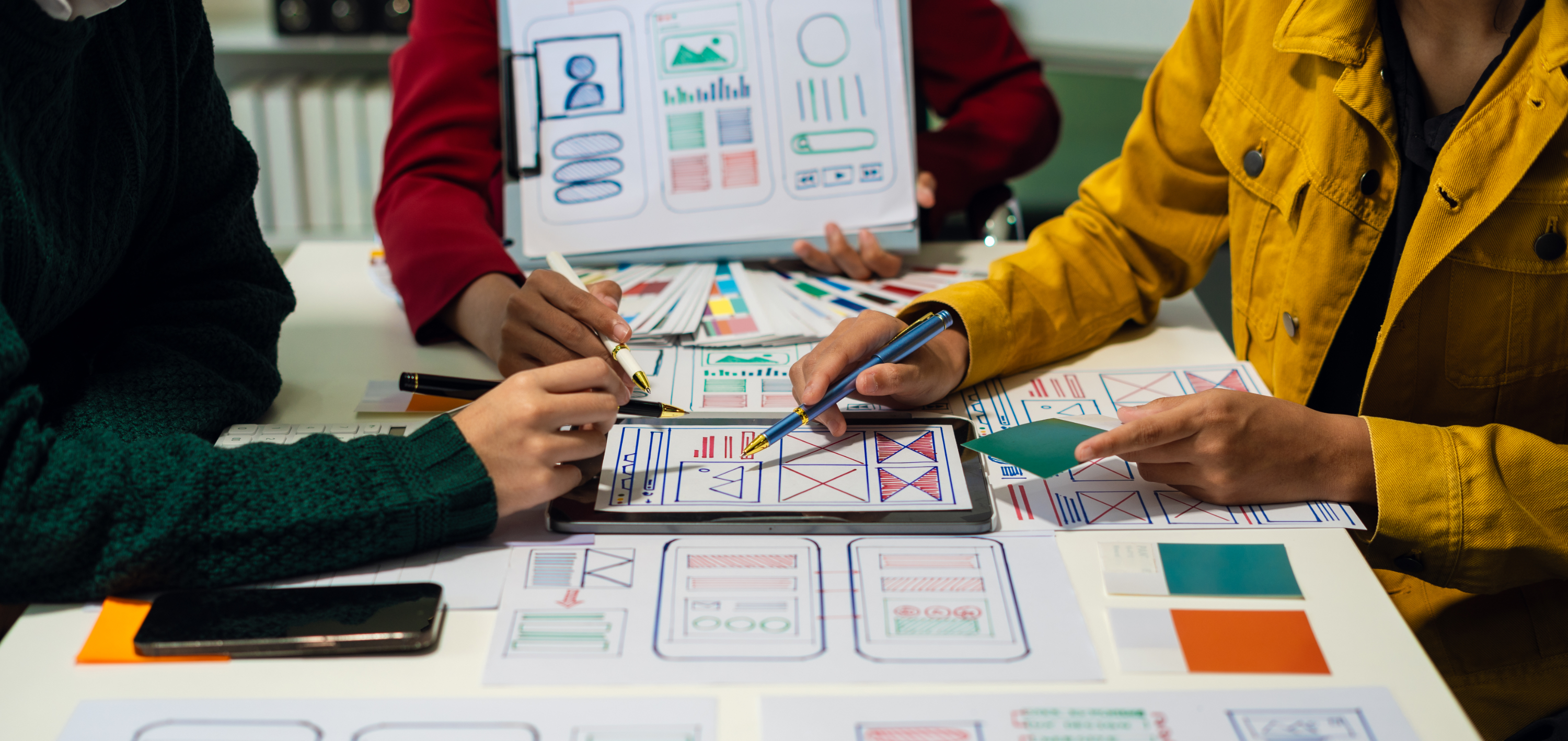

In the ever-evolving digital landscape, a beautifully designed product is no longer enough. Users expect more — they crave seamless, meaningful, and intuitive experiences. At the heart of that expectation lies one of the most essential (yet often invisible) elements of digital design: the user interface.
An intuitive user interface (UI) doesn’t shout for attention — it guides with clarity, invites with simplicity, and earns trust through consistency. It’s not just a functional layer. It’s a creative medium. It’s how your brand speaks, feels, and flows in the hands of your users.
Welcome to the art of crafting intuitive UIs — where form meets function, and every pixel serves a purpose.
What Makes a UI Truly Intuitive?
An intuitive UI feels so natural that users barely think about how to use it — they just do. It anticipates needs, removes friction, and creates a sense of confidence from the very first interaction.
But how do you design something that feels effortless?
The secret lies in empathy, simplicity, and thoughtful creativity.
Let’s break it down.
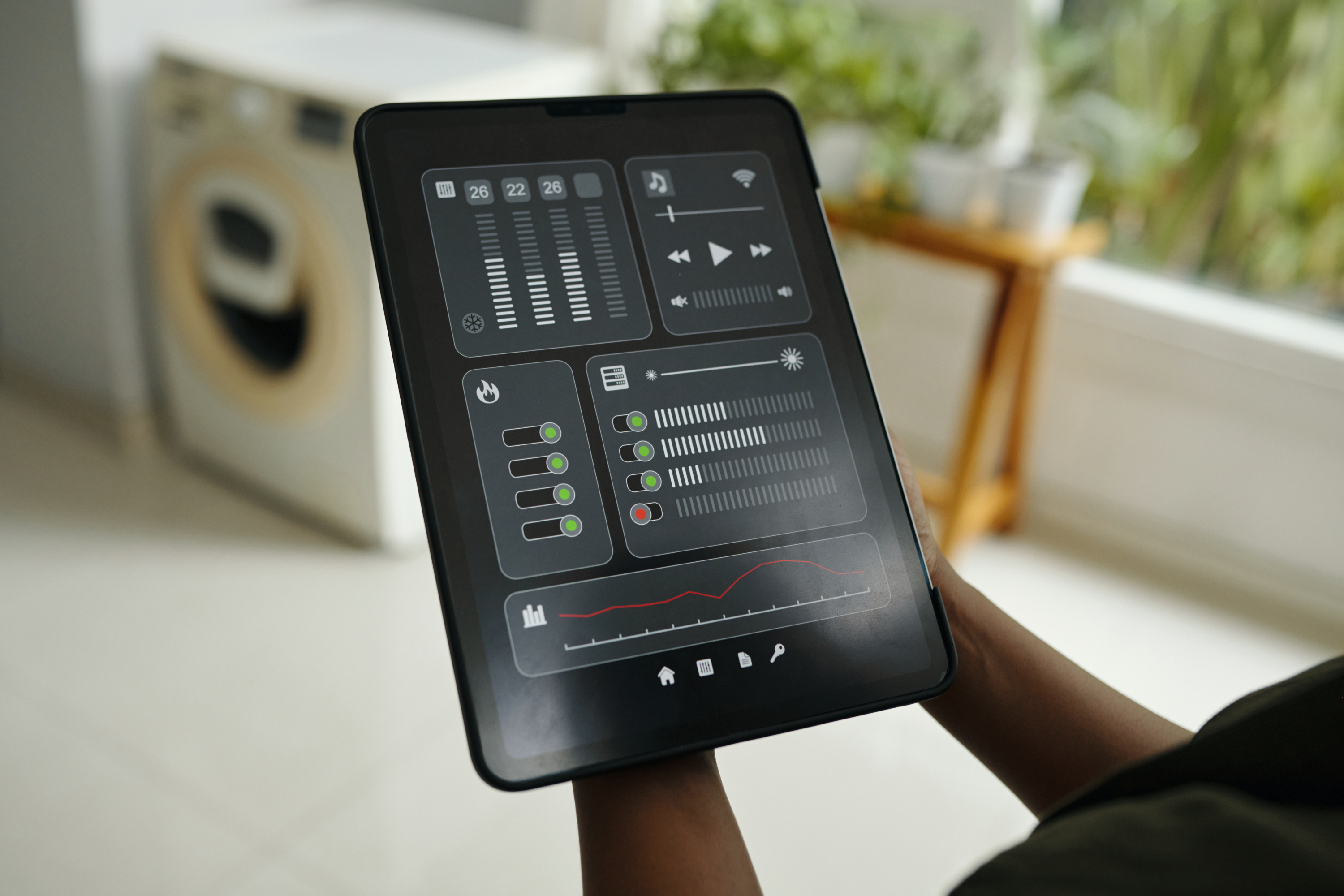
Empathy: Design for Real People
This one sounds obvious, but it’s easy to overlook.
Behind every click, tap, or scroll is a real person — with their own goals, frustrations, and expectations. Good design starts by understanding that person. Not just what they’re doing on the screen, but why they’re doing it in the first place.
- A power user dashboard should feel completely different from a first-time onboarding flow.
- Accessibility shouldn’t be an afterthought. Designing for everyone makes your product better for everyone.
- And sometimes the best design decision isn’t the fanciest — it’s the one that actually makes someone’s life easier.
When you lead with empathy, your product becomes more than usable — it becomes useful.
Simplicity: Less Noise, More Clarity
Simplicity isn’t about stripping everything away — it’s about cutting the clutter so people can focus on what matters.
- Use layout and hierarchy to guide people, not confuse them.
Don’t overload users with options. Make choices feel easy. - Write like a human. Clear, helpful text goes a long way.
Good design doesn’t show off. It gets to the point. The simpler the experience, the more confident the user feels.
Consistency: Let People Build Muscle Memory
People shouldn’t have to re-learn how your product works every time they use it. Consistency builds trust — and trust builds speed.
- Buttons, icons, and interactions should behave the same across your product.
- Don’t randomly move things around or change terminology.
- Set patterns, and stick to them.
When everything feels familiar, people don’t have to stop and think. They just use it — and that’s the whole point.
Delight: Don’t Just Work — Feel Good to Use
Okay, here’s where the magic happens.
Delight isn’t about flashy animations or over-the-top design. It’s about little moments that make someone smile, or feel like the product “gets” them.
- A friendly confirmation message.
- A small animation when something is completed.
- An illustration that makes an empty state feel less… empty.
These tiny touches build connection. They make your product feel more human.
Feedback: Show That the System Is Listening
One of the most frustrating things in any app is when you do something… and nothing happens. Did it work? Did it fail? Is it still loading?
Good UI gives people clear feedback so they’re never left guessing.
- Show loading indicators when something’s in progress.
- Use hover states and animations to show that elements are interactive.
- If something goes wrong, say it clearly — and kindly.
When users feel like the system is responsive and transparent, they trust it more.
Your UI Is Your Brand
This might sound dramatic, but it’s true: your UI is how people experience your brand. Every screen, every button, every moment — it all sends a message.
A good UI says:
- “We thought about the details.”
- “We care about your time.”
- “You’re in good hands.”
It’s not just about usability — it’s about how your product feels to use.
Final Thought: The Best UIs Are the Ones You Don’t Notice
The best interfaces don’t call attention to themselves. They just work. They feel natural. They help people do what they need to do — and then get out of the way.
As designers, that’s kind of the goal, right?
So yeah — lead with empathy. Keep things simple. Be consistent. Add delight where it matters. And always, always close the loop with good feedback.
Because when your UI becomes invisible, your product becomes unforgettable.